How to choose a CRM for freelancers
Test client history, follow-ups, delivery handoffs, exports and plan limits before choosing a CRM for your freelance work.
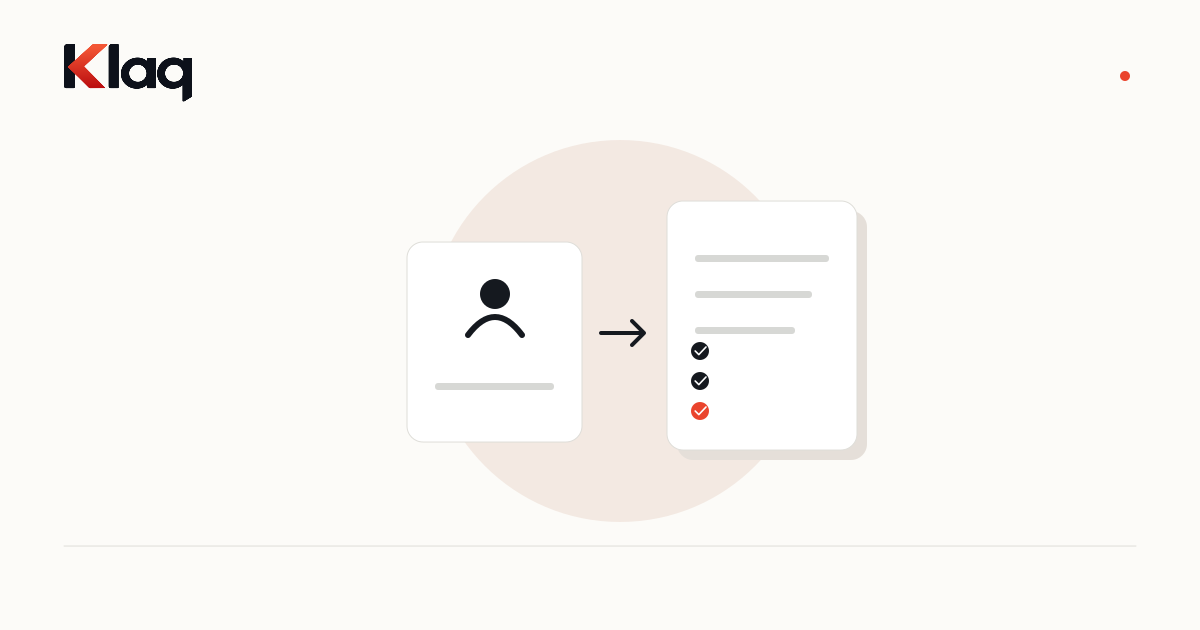
Choose a CRM for freelancing by testing whether it helps you follow up, keep client history and hand accepted work into delivery without recreating the same information. Trial a realistic client journey, check the plan you will actually use, and inspect an export before committing. Choose around the work you need to manage.
Start with the job you keep missing
A public freelancer discussion asks which CRM feels useful without adding excessive administration. It includes personal experiences and promotional replies, so it is evidence of a question people ask, not a reliable product ranking. Read the discussion.
Write down the last client-management problem you actually had. Perhaps a proposal needed a follow-up, the billing contact differed from the person requesting work, or a returning client became indistinguishable from a new opportunity. Use that event as the first trial scenario.
If your current list already handles the problem, keep it while you evaluate. Do not migrate your whole client history just to discover whether a new pipeline is comfortable. A sample dataset is enough for the first decision, and avoids making real records part of an unfinished experiment.
The checklist below is an evaluation method, not a claim that every CRM offers every capability. Mark a requirement as essential only when you can describe the consequence of missing it.
Separate people, businesses and opportunities
In the trial, create a sample client company and the person you speak with. Then add a proposed engagement. Ask where a second engagement for that same client belongs. You should be able to explain the difference between the continuing relationship and the individual piece of potential work.
For example, imagine a fictional design consultant handling a website project and a later maintenance enquiry from the same company. Check whether both opportunities retain the right contact context without pretending they are the same sale. This is a test scenario, not a customer case study.
Open each record after adding a note or activity. Does it appear where you expect? HubSpot's documentation provides a concrete example of why this matters: activity association can depend on the record where it was created, the related objects and account settings. Do not generalize that behavior to other tools; test their rules. Read HubSpot's activity association documentation.
Klaq's shared customer guide describes its own relationship model. Use it to understand the product's terms before judging whether they match yours.
Make the next action visible
Create a proposal-stage opportunity and add the action you would take next. Leave the record, return to your normal working view and find that action again. If you cannot tell what needs attention without opening every record, investigate whether a filter, view or different process solves the problem.
Keep activity recording and automatic communication separate in your checklist. A saved task is not evidence that an email was sent. If automated reminders or email synchronization are essential, verify the exact feature, integration and plan with the vendor, then run a controlled test before connecting a real inbox.
The pipeline next-action guide gives a useful Klaq example: movement should reflect a real change in the opportunity, and an activity should describe work you intend to do.
Follow the handoff beyond a won deal
Mark your fictional opportunity as accepted. Then try the first delivery step: prepare a project, confirm the customer and locate the information needed for billing. Write down what transfers automatically and what you must create or review yourself.
A freelancer who only needs sales follow-up may be comfortable using a separate project tool. Someone who repeatedly retypes customer details may value a connected workspace. Make that a workflow decision rather than assuming an all-in-one label guarantees the handoff.
In Klaq, converting a qualified lead creates a contact and deal. Do not assume it also creates a project or invoice. The client onboarding guide describes the separate delivery and billing steps.
Keep the evidence from your trial
For each candidate, keep a small table. Replace vague scores with an observation from the trial.
| Test | What to record |
|---|---|
| Returning client | Where a new opportunity lives beside an existing relationship |
| Follow-up | How you find the next action after leaving the record |
| Delivery handoff | Which customer details carry through and which steps remain manual |
| Import | Supported record types, accepted fields and validation behavior |
| Export | The actual file contents and any separate activity-export process |
| Plan fit | Whether each essential action remains available on the intended plan |
Add a short note when a feature is unavailable or unclear. A question for the vendor is a better result than a confident checkmark based on a marketing phrase. You can resolve the question before the migration becomes expensive to reverse.
If you work with someone else, repeat the important actions with their intended permissions. An administrator's successful test does not prove every collaborator can do the same thing.
Inspect the exit before importing everything
Export the sample records and open the downloaded file. Check names, relationship identifiers and the fields you would need to continue working elsewhere. Test notes and activities separately rather than assuming they travel with a contact list.
HubSpot documents that a record export includes current property values and associations, while exporting activities can require another route. That is a specific product behavior and a useful reason to inspect the output from whichever CRM you choose. Read the record export documentation.
Use the same care on import. Keep an untouched source copy, identify the destination record types, and examine a preview when one is available. Do not expect a source column to become a custom field merely because the file contains it.
Check the plan against your normal work
Read the vendor's current plan terms for the actions you tested. Record the billing interval, users, required integrations and any limits that affect your essential workflow. Compare the actual checkout terms rather than copying an old price from a discussion thread.
Klaq is one candidate when your work spans relationships, project time and invoicing. Review Klaq CRM against the same checklist. This article is published by Klaq; it is not an independent ranking or a claim that other products have been tested hands-on for you.
My opinion: choose the workflow you can maintain during a busy delivery week. A system that requires a separate administration project before you can follow up is a poor fit for a solo operator, however impressive the dashboard looks.
Limitation: a sample trial cannot prove long-term reliability, integration behavior or suitability for sensitive client information. If those matter to an engagement, review the vendor's documentation and contract terms before moving that data.
FAQ
Do freelancers always need a CRM?
No. Start with a specific problem your current system does not handle. If a maintained list and calendar cover your needs, use them while evaluating whether a CRM adds enough value.
Should I choose an all-in-one workspace?
Consider it when the connection between sales, delivery and billing solves a real handoff problem. Trial those connections directly; the category name alone does not establish what happens automatically.
Is an export button enough to avoid lock-in?
No. Open an actual export and check the fields, relationships and history you need. Notes or activities may require a different export method, depending on the product.
Can this checklist tell me which vendor is best?
It can help you compare evidence from your own workflow. It does not produce a universal winner, and it does not replace checking current plans or testing your essential integrations.
About the author

Mohamed Ajmal — Engineer. LinkedIn